Your first login
TL;DR - You'll receive an email with a link, set your password, enrol an authenticator app, and land on the customers list. The same authenticator app is used to confirm every payout you send afterwards.
Before you start
You'll need:
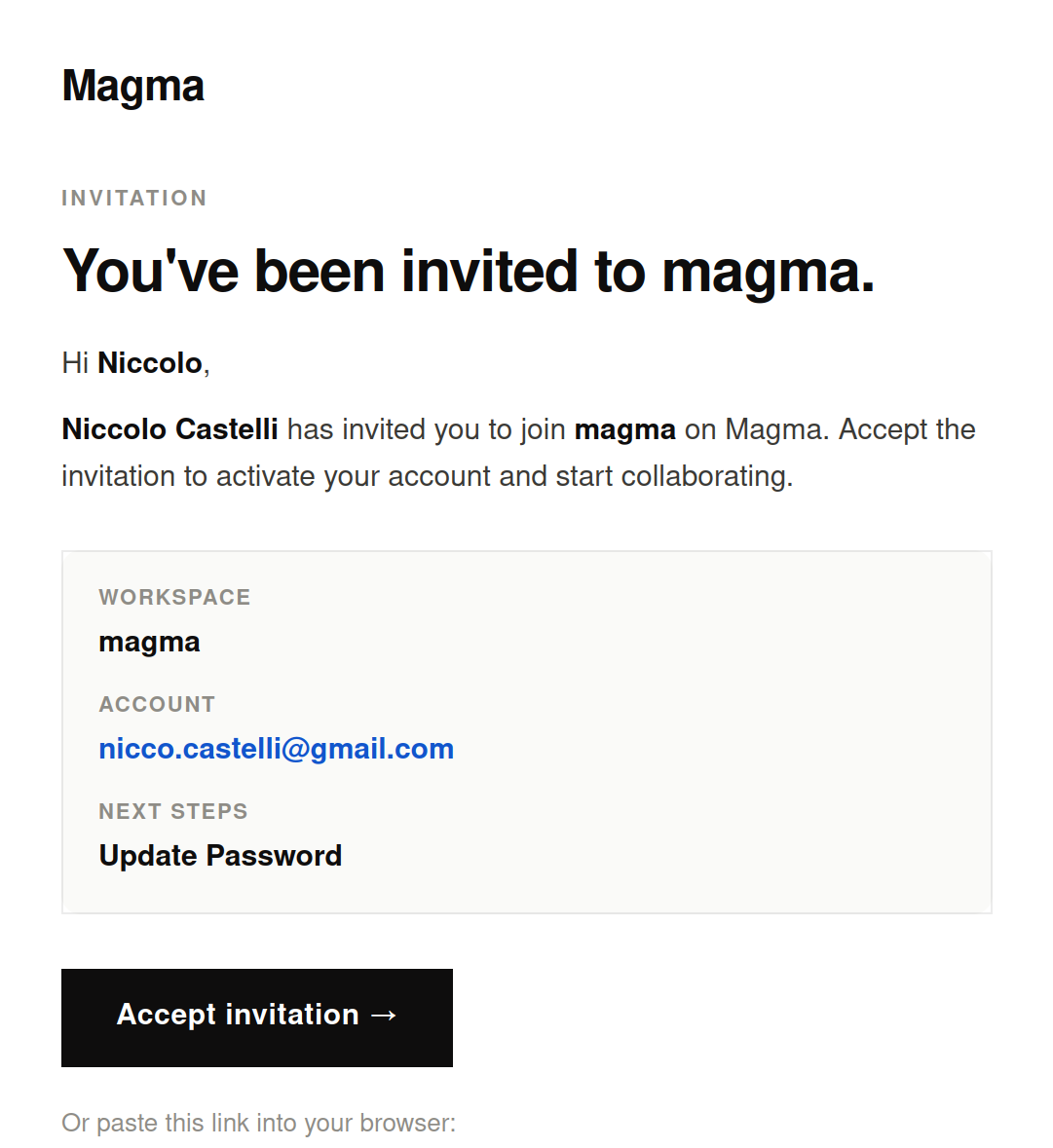
- The invitation email from Magma (subject usually starts with "You've been invited to…").
- An authenticator app on your phone - Google Authenticator, 1Password, Authy, or any TOTP-compatible app.
Step 1 - Open the invitation link
Click the link in the email. It opens the Magma sign-in screen with your email pre-filled. The link is single-use and expires after a short window - if it has expired, ask another operator on your team to resend it from Manage your team.
Step 2 - Set your password
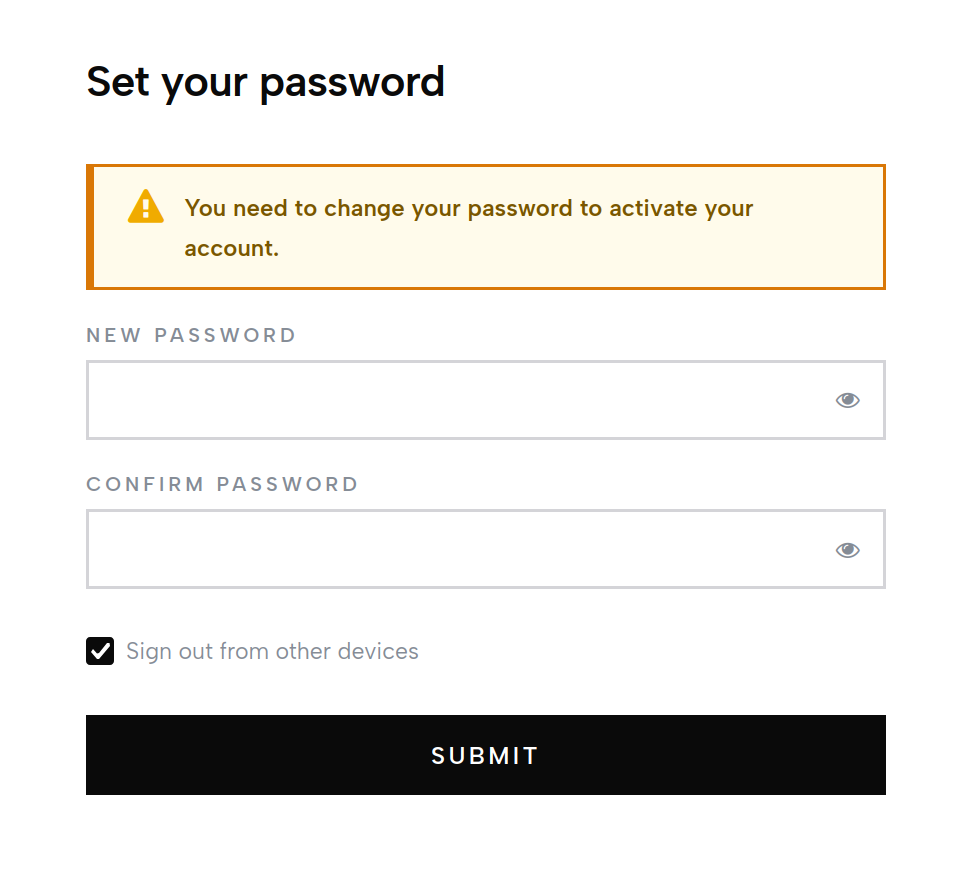
You'll be prompted to choose a password and confirm it. Magma's authentication is handled by Keycloak, our identity provider; the password is stored there, not in Magma's app database.
You can also choose to sign in with a federated identity provider (Google, Microsoft) if your fintech has it enabled. In that case, no password is set on Magma's side - the SSO provider handles that for you.
Step 3 - Enrol your authenticator app
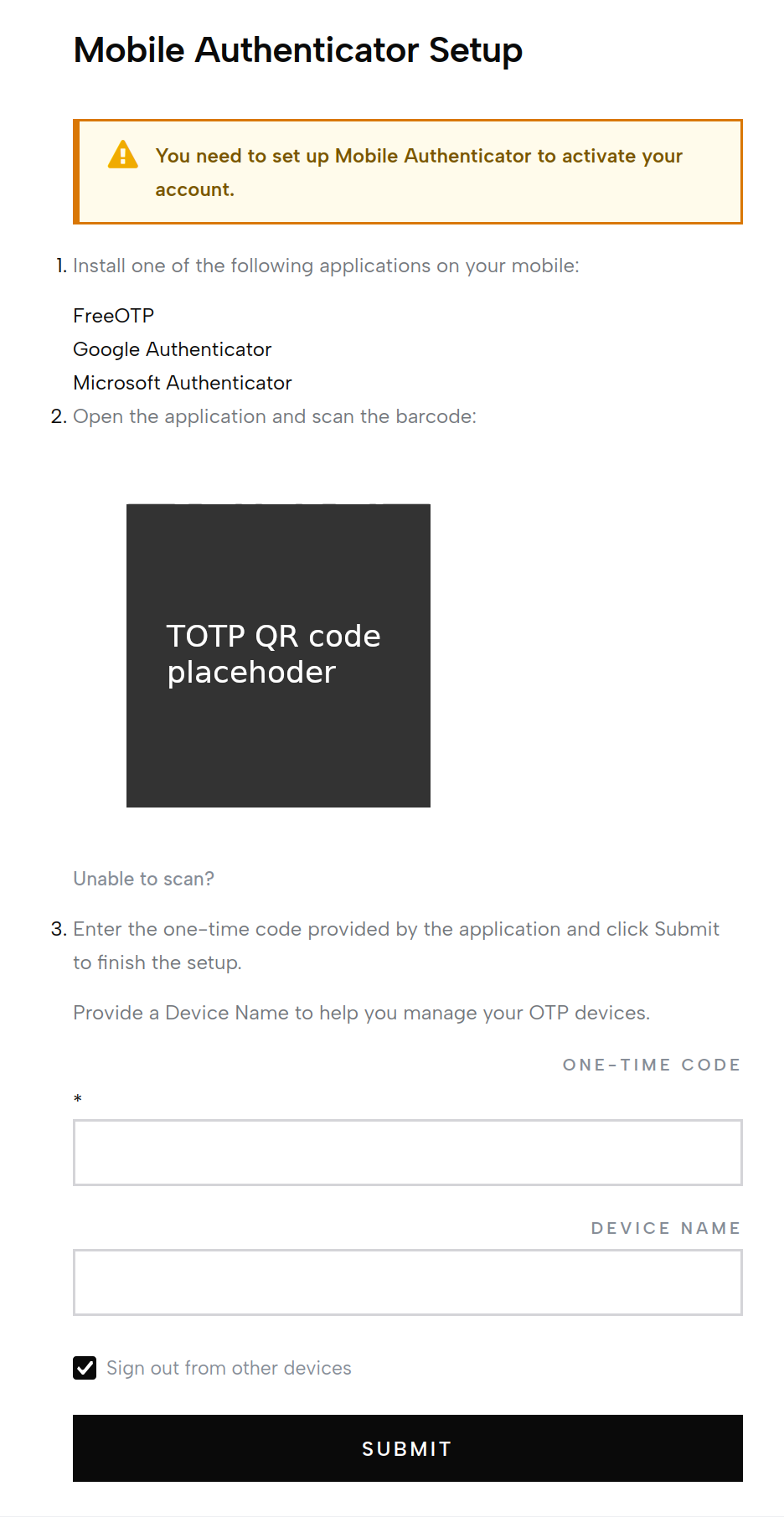
After setting the password you'll see a QR code. Scan it from your authenticator app and enter the 6-digit code it shows you to confirm.
Don't lose this
Save the recovery codes Keycloak shows you in a password manager. If you lose your phone you'll need them to log back in. If you lose both, an admin on your team has to disable your account and re-invite you.
Step 4 - Land on the dashboard
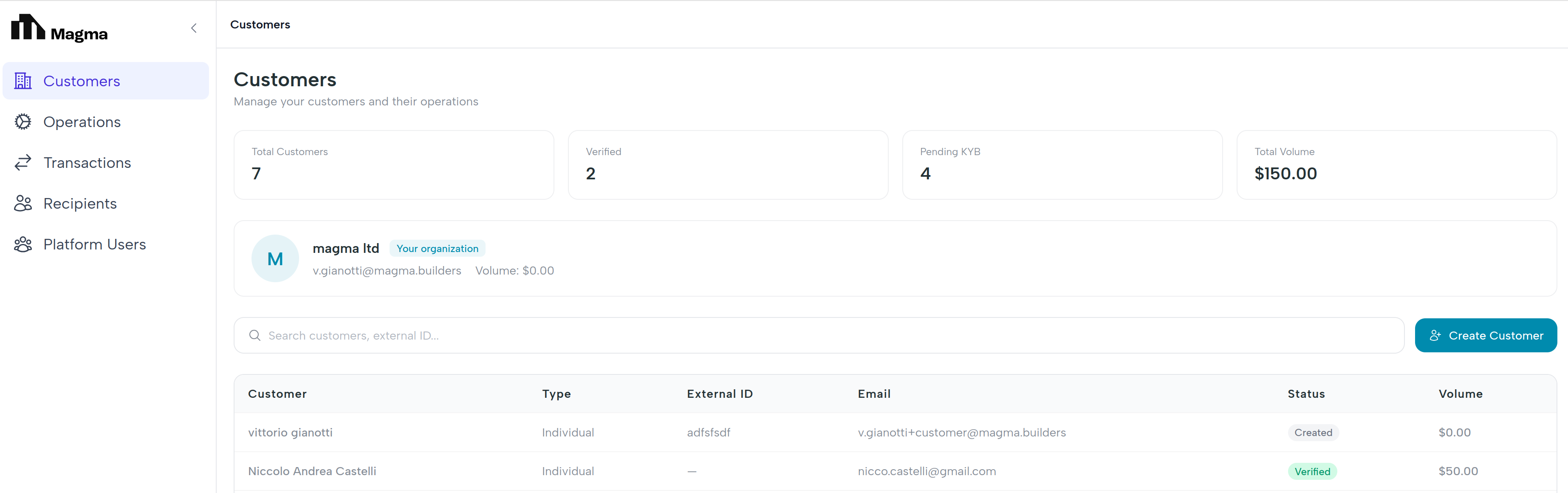
You're in. The first screen is the customers list. From here you can:
- Click any customer to open their dashboard (balance, virtual account, transactions).
- Click Create customer to onboard a new organization.
- Use the left navigation to jump to recipients, transactions, the team, or your profile.
TOTP also confirms payouts
The 6-digit code from your authenticator app does double duty. Every fiat payout you initiate prompts you to enter a fresh code before it is submitted to the rails. There is no SMS, no email - same app, same flow. See Fiat payouts for the full sequence.
What's next
- Invite operators - bring the rest of your team in.
- Customers overview - your daily home base.